 Taptiva


Direct Connection
Connect your phone directly to your Mac or Windows PC over your local network. No cloud service is required for the control connection.
Email subscription is optional and is only used to send Taptiva updates and releases.
 Instagram
Turn your iPhone or Android phone into a powerful remote control for your Mac or Windows PC — with trackpad gestures, keyboard, media controls and app switching.
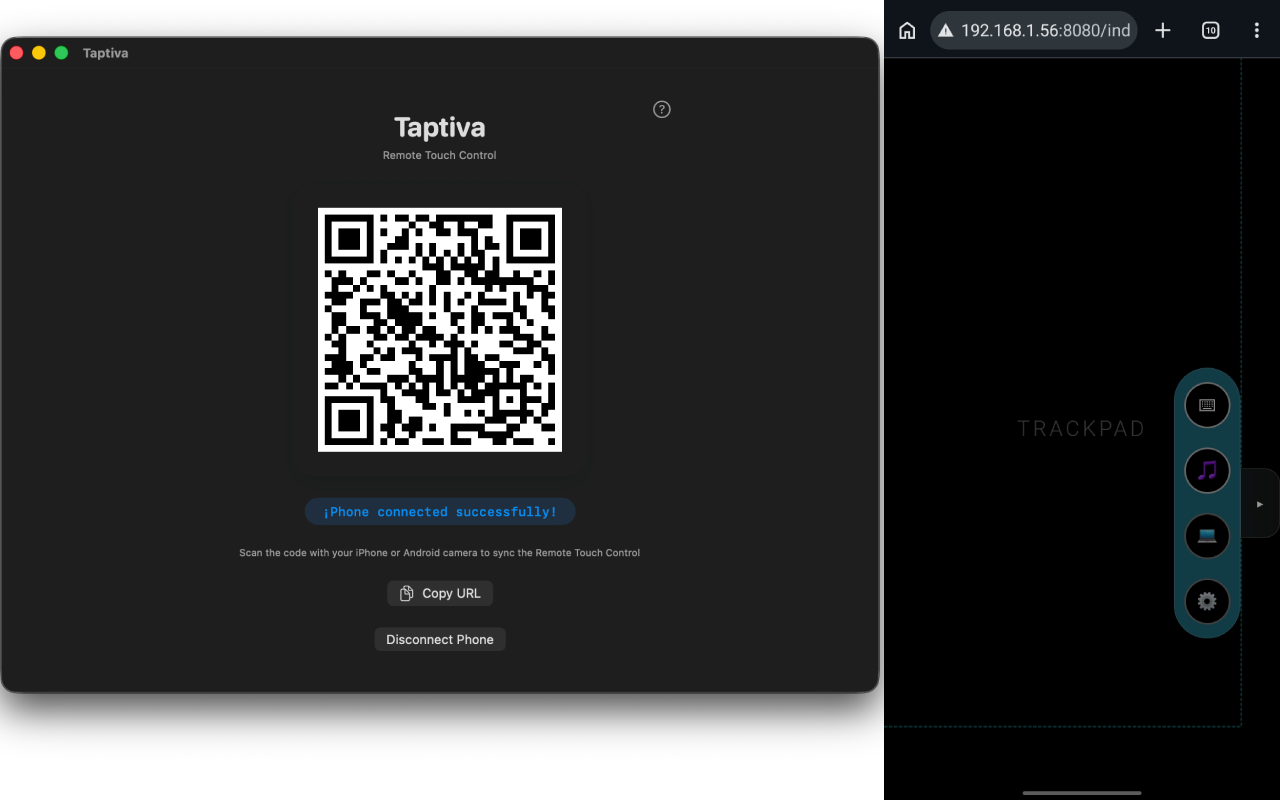
Scan the QR code shown by Taptiva on your Mac or Windows PC to pair your phone directly over your local network.
Everything you need. Nothing you don't.
Connect your phone directly to your Mac or Windows PC over your local network. No cloud service is required for the control connection.
Use your iPhone or Android phone as a remote touch controller for your Mac or Windows PC.
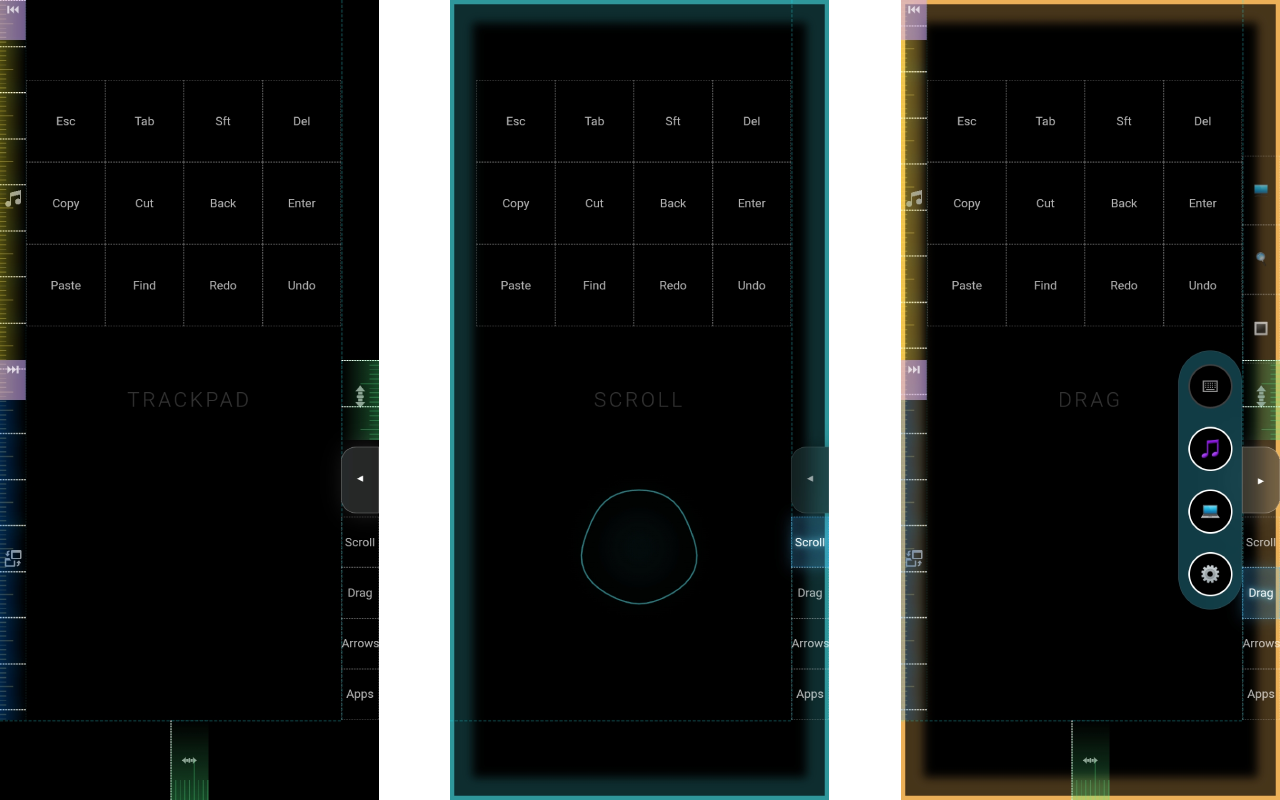
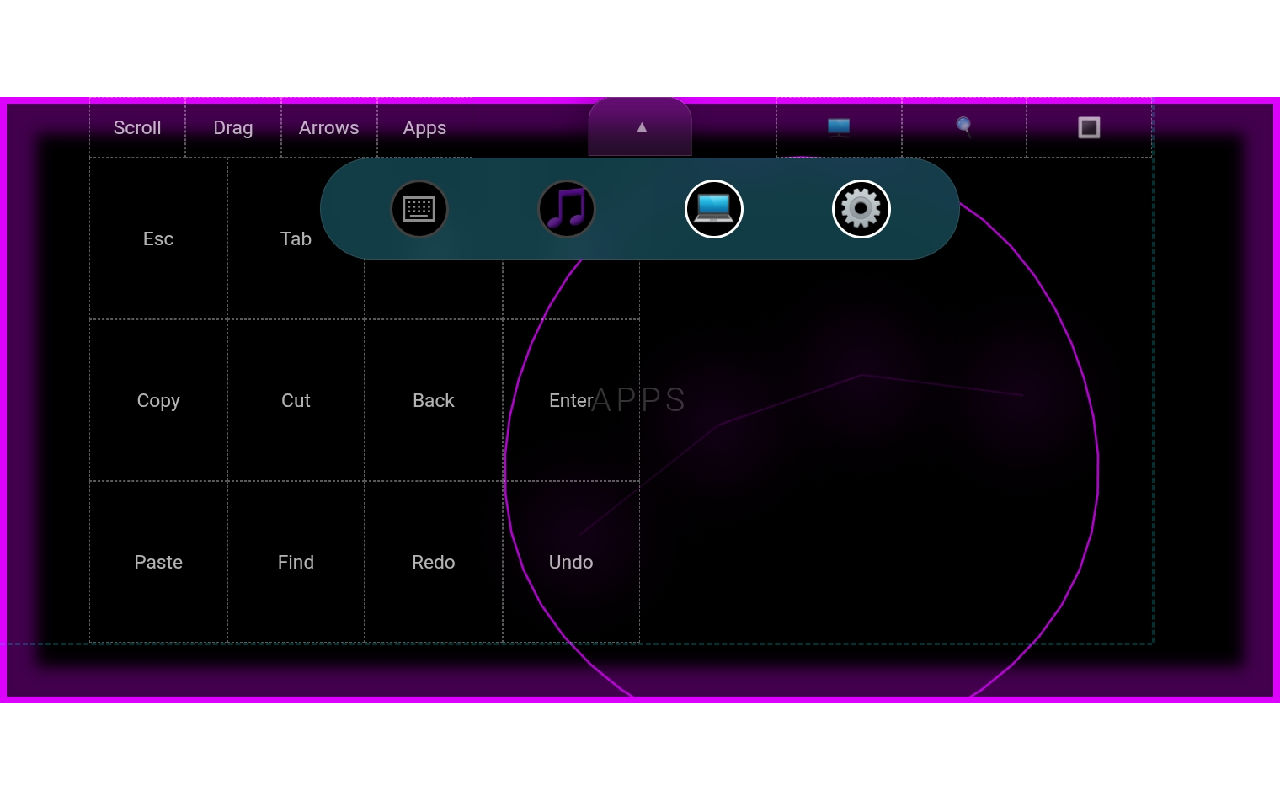
Control your Mac or Windows using touch gestures, a virtual trackpad, keyboard input, and radial controls.
No account is required. Your phone communicates directly with your computer over the local network.
Taptiva connects your phone directly to your Mac or Windows PC over your local network. No account is required to pair and control your computer.
Read Privacy Policy